
5 No-Camera Instagram Trends for Small Business Owners (Trends for July: Week 1)

It is officially July, summer is in full swing, and Instagram is loving anything interactive and a little self-aware right now. The posts doing well this week are the ones people actually want to touch, play with, or tag a friend in. So that is exactly where this Trend Drop is headed.
This week's Trend Drop has five templates, and the best part is that four of them are some of the easiest ones we have dropped in a while. One has a tiny bit more to it, but I am going to walk you through every step so you never feel stuck.
You have got a viral hold the dots carousel where people slide back and forth to reveal a pixelated image, the cheeky found an old photo of me trend that turns into something very on brand, an emojis we deserve post, a snappy 99 problems template, and a dreamy plans for the weekend post covered in cute little summer icons. Something in here is going to be perfect for you this week. Let's go through all of them.
Want to try a FREE Trending Canva template?
Grab the latest Canva Template from inside of Your Template Club “Trend Drops” so you can test out one or two of out these timely, viral, trend templates for your business!
Trend One: Hold The Dots & Slide Carousel
This is the interactive one everyone is obsessed with right now, and it is so addictive that people will slide back and forth over and over just to watch it work. As they hold the dots at the bottom of your carousel and slide, a pixelated image slowly comes into focus. You can use it to reveal what your audience needs, tease your offer, or build up to a big reveal.
Here is the fun thing about this one. I made two versions for you, an easy version and a slightly more perfect version, so you can pick whatever feels right for your energy that day.
The easy version is genuinely as simple as it gets. There is an overlay already built for you that sits on top of your image, and I already set up all the transparency for you. We start at 90, then 75, then 55, then it goes to nothing, so the reveal happens automatically.
All you do is drop your object or photo underneath the overlay. It can be anything, a product, a screenshot of your program on a laptop screen, a photo, whatever you want. I used The Reelies trophy for mine. Make your object the right size, then copy and paste it into every slide so it stays in the same spot. One quick thing to check, go into your layers and make sure the overlay is sitting above your object on every slide. Then drop your handle on top and you are done.

If you want the slightly more perfect version, that is where you pixelate the image yourself, and it is not hard, I promise. You will duplicate your final clean slide four times, then use the Pixelify app inside Canva to pixelate each one a little differently.
Search Pixelify in the apps, click your image, go to edit, then apps, and you will find it.
Start your most pixelated slide around 3 on the scale, then do a 5, then a 13 or 14, and leave your last slide totally clean.
Keep them all under 15 because that is what makes the reveal feel smooth.
You do have to reapply the app to each image one at a time, so just take it slow.
When you swipe through, it reveals beautifully from blurry to clear.
Both versions look great, so do not overthink it. If the pixelating feels like a lot, the overlay version is already done for you and it works just as well. This is the one I would post first this week.
Trend Two: Found an Old Photo of Me
This one makes me laugh every time. It is the cheeky ultrasound style trend where you tease an old photo of yourself, and then the big reveal is something very on brand and very you. Hello, espresso martini. It is relatable, it is unexpected, and it is exactly the kind of post people screenshot and send straight to a friend.
The template is built to be quick. There is a text bubble at the top, two little emojis pulled from the text, and then a cutout in the style of whatever you are talking about. I actually did two versions of this one just for fun, one with a travel theme and one with a beach and pool summer theme, so you can see how flexible it is.

Here is how you make it yours. The cutouts are the star, so think about what is the most on brand reveal for you. If you talk about travel all the time, drop in a passport and sunglasses. If you are a coffee person, an iced coffee. If you are a photographer, a camera. You can use more than one little element too, just do not forget to put your handle at the bottom.
I made a whole page of extra little cutouts for you inside this pack, everything from weights and water bottles for fitness, to books and headphones and matcha for a coffee shop vibe. You can even mix real photo cutouts with emojis for that super aesthetic look. One little note, when you download from Canva the emojis pulled from text sometimes look a little different than they do in the editor. That is just Canva using its own version. It is close enough, I would not worry about it.
Trend Three: The Emojis We Deserve
This one is such an easy way to show your audience you actually get them. You show the stressed out, chaotic emojis your niche gets stuck with, versus the dreamy, peaceful ones they actually deserve. It is simple, it is relatable, and it lands immediately.
I gave you two different layouts for this one so you can choose whatever fits your style. Both say the same thing, the emojis we got versus the emojis we deserve, just arranged a little differently.

You can run this one with an image in the background or a solid color, totally up to you. I personally love it with a sky image in the background, anything with sky is doing really well right now and it always looks aesthetic. If you go with a light background, just remember to change your text and your divider line to a darker color so everything stays easy to read. If you land somewhere in the middle tone, you can usually leave it as is. The whole point is contrast between the messy emojis and the dreamy ones, so let that do the heavy lifting and keep it simple.
Trend Four: 99 Problems
This one is funny, snappy, and a really fun way to plug what you do without it feeling like a pitch. Up top you list your niche's 99 tiny problems all in emojis, and then underneath you drop the one solution. The contrast between the chaos up top and the calm solution below is what makes it work.
The emojis at the top are pretty universal for representing problems, so you can honestly leave most of them exactly as they are. Your real job is the solution at the bottom.
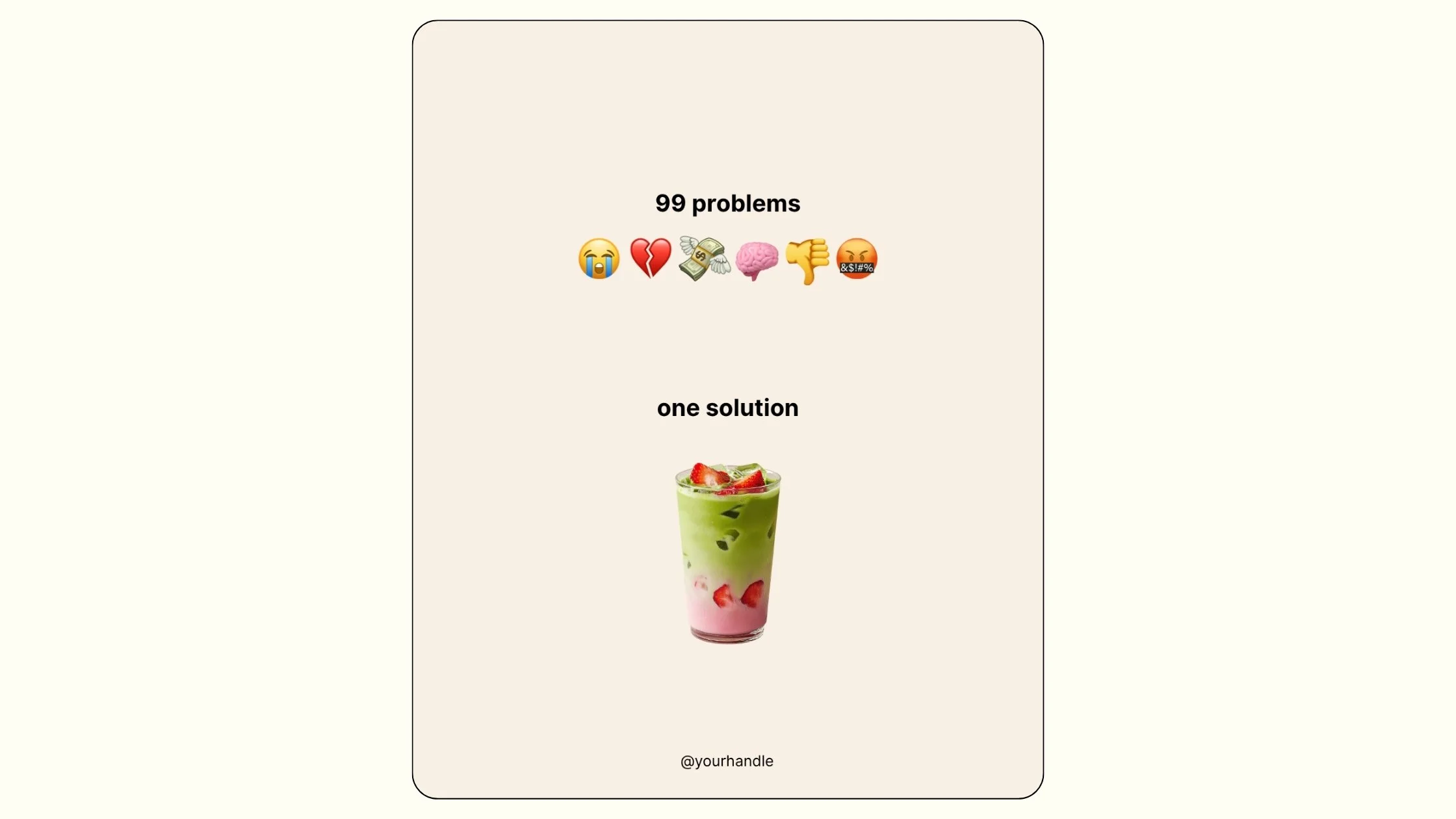
For your one solution, think about what you actually offer your people. It could be a little laptop with a screenshot of your program or service on the screen. It could be a cutout photo of yourself if you are the person who helps them, and that can run all the way down to the bottom, which looks really cute. Add your handle and you are set. The only design note I have is on the background color. Change it to a light color from your brand if you want, just do not go too dark or it gets hard to read. The universal light tone we built in works great too if you want to skip that step entirely.
Trend Five: Plans for the [Date]?
This is the dreamy text bubble over the pool one everyone is posting right now, and it is perfect for teasing an event, a launch, or honestly just the summer vibe. A little text bubble floats over a summery photo asking about plans for a date or a season, surrounded by all the cute little summer icons. It instantly feels like July.
It does not have to say plans for a specific date either. You could ask are you busy next weekend, or tease whatever you have coming up. The little icons around it are where you make it yours.

The cutouts around the bubble are the fun part. Theme them to whatever you are talking about. If it is travel, leave the croissant and the bag and swap the rest for travel things. If it is a beach or pool moment, lean into summer. I built that whole extra page of little cutouts for this one too, so you have weights, water bottles, books, headphones, matcha, all of it ready to grab.
And just like the other trends, you can mix real photo cutouts with emojis for that aesthetic look. The sweater on my page is actually just a photo with the background removed, which is a cute trick. Drop your handle in and you have a post that feels totally on theme for the season.
Why These Five Trends Work Together
When I look at all five of these, the thing they have in common is that every single one of them gets your audience to stop and feel something, whether that is the urge to play with your carousel, laugh at a reveal, or think yes, that is exactly me.
The hold the dots carousel pulls people in and gets them interacting with your post over and over.
The found a photo of me trend gives them a reveal worth sending to a friend.
The emojis we deserve shows them you understand the chaos they are living in.
The 99 problems post makes them laugh and then quietly shows them you have the fix.
And the plans for the weekend template wraps it all in a summery vibe that feels current.
None of these ask you to be on camera. No hair, no makeup, no overthinking it. You are just taking a format that is already working and filling it in with something real for your people. That is the whole game, and that is why templates work. We handle the concept, the design, and the timing. You just fill in what only you know.
That is the whole idea behind Trend Drops. Instagram moves fast. A format that is fresh and getting traction today can feel old in two or three weeks. When we spot something gaining momentum, we build the template and get it into the club while the timing is still right, so you can post early and get more reach before everyone else catches on.
If you are already inside Your Template Club, log in and grab this pack. If you have been thinking about joining, this week is a great time to see exactly what you get with every Trend Drop.
Trending Templates Released as Instagram Trends Emerge
When you join Your Template Club, you get access to Trend Drops — short, timely template packs inspired by the latest viral Instagram trends, so you can jump on trends early without spending hours figuring it out. We do the research, design, and strategy for you.
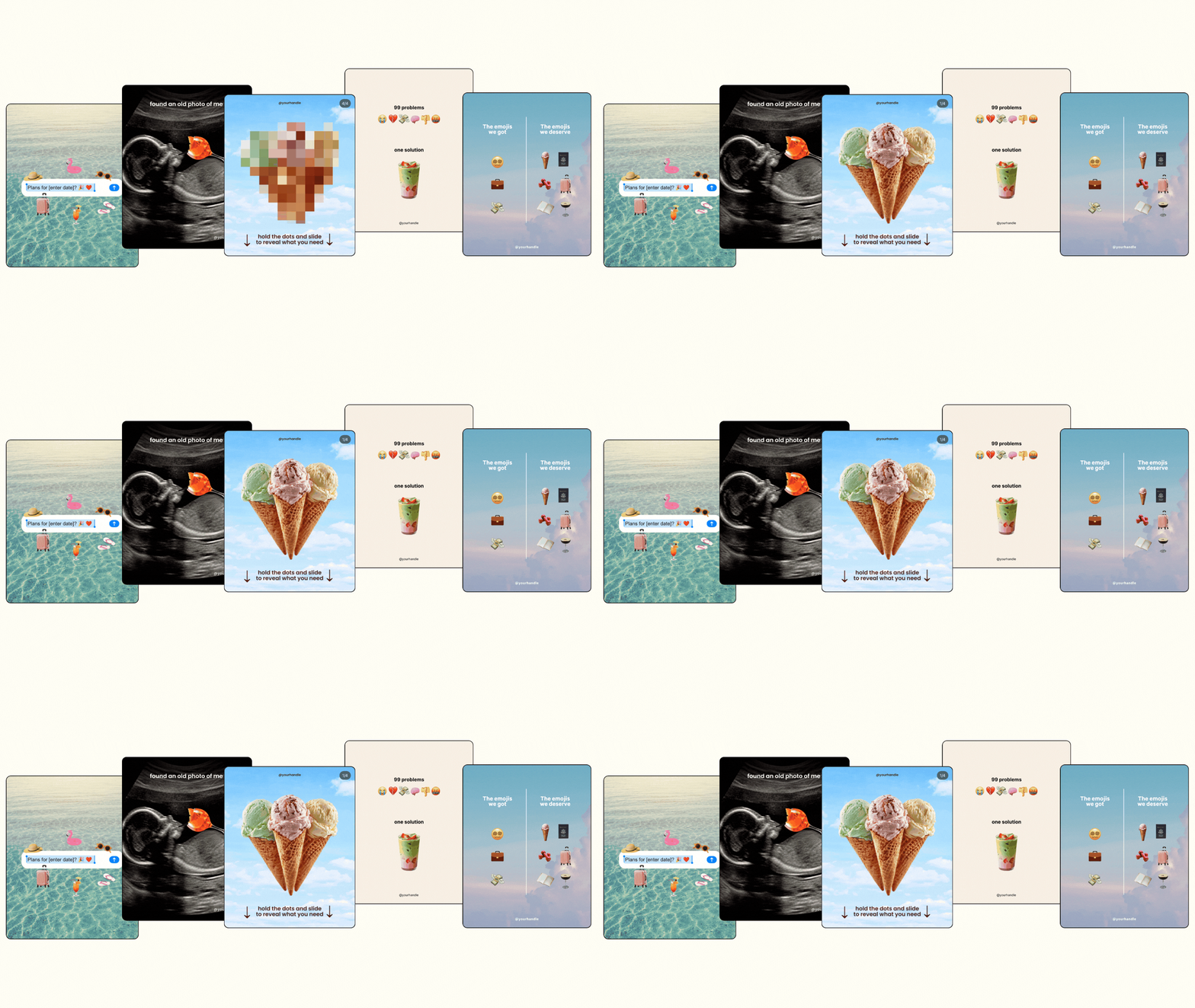

Photo: KVC Photography
About Manu Muraro
Manu Muraro is the founder of Your Social Team, a content marketing brand helping small business owners grow through strategic email marketing and Instagram content.
She’s the creator of Your Template Club, one of the first Canva template subscriptions designed for Instagram, and the founder of Your Inbox Team, a weekly email marketing membership that helps entrepreneurs send consistent, high-converting emails in under 15 minutes.
Manu is also the creator of The Reelies Awards, the first award show celebrating Small Business Owners and Creators’ creativity and originality in Instagram Reels.
A former creative strategist at Cartoon Network, Manu brings award-winning experience to everything she creates — from viral Reels to done-for-you content that saves time and drives results.
👉 Follow Manu at Your Social Team on Instagram