
How Poppy AI More Than Doubled My Carousel Reach and Engagement.
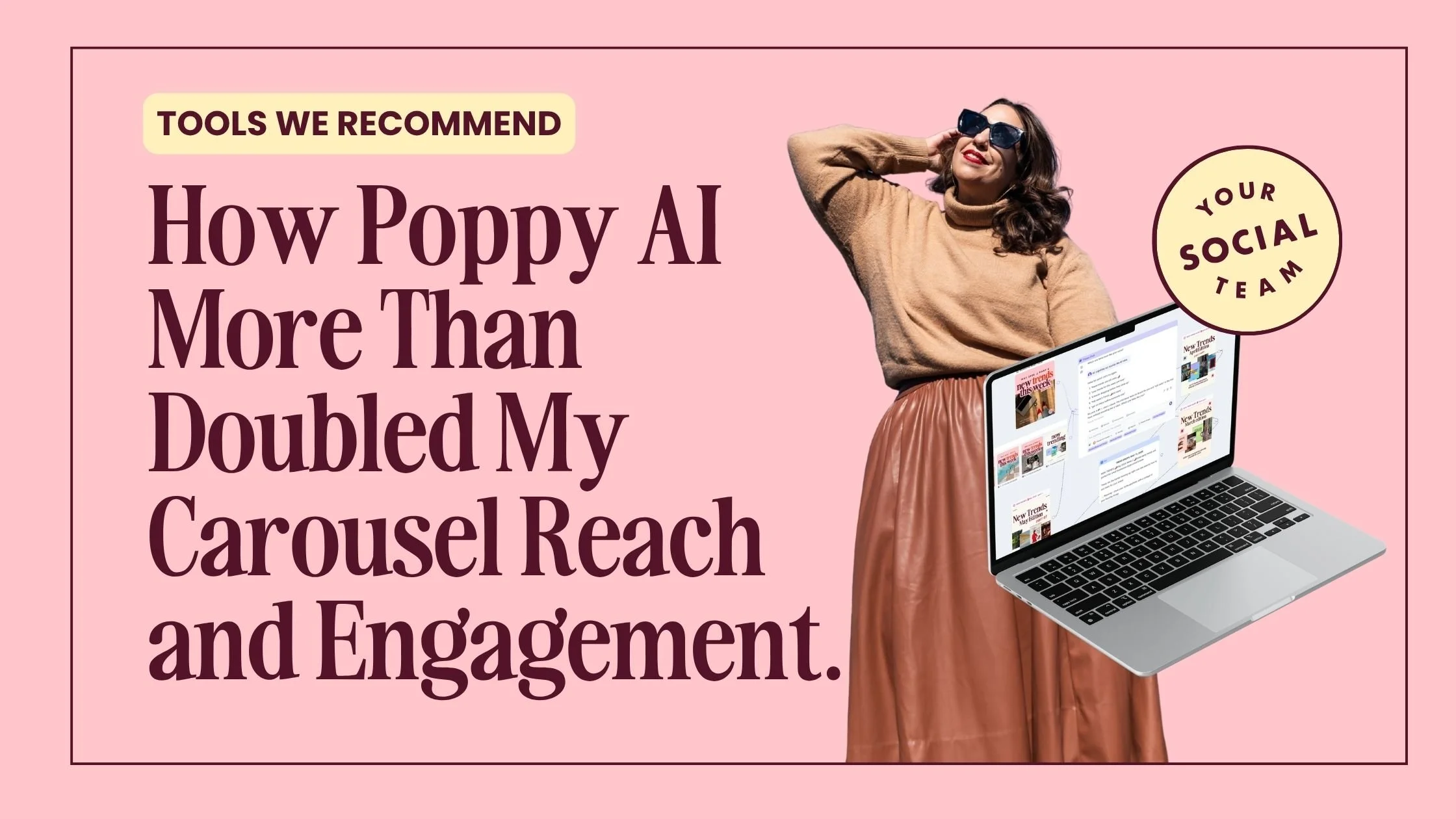
Okay… I know every creator on the internet is suddenly talking about their favorite AI tools 😅
But if you’re a creative entrepreneur or someone whose brain works best with visuals, you need to check out Poppy AI!
And before you roll your eyes and think to yourself, “this will never be better than ChatGPT or Claude”, know that Claude and ChatGPT are both included inside of Poppy AI. It uses Claude by default in the chat.
Poppy AI is the first AI Tool that genuinely changed the quality of my content and the performance of it.
Other tools made me faster, Poppy AI made my work better.
Since using it to create my Instagram carousels, my reach and engagement have more than doubled for the same style carousel.
Not because AI is magically making viral content.
Because Poppy AI completely changed the way I organize ideas, references, inspiration, the best viral hooks, and messaging while creating content.
It works like a big white board where you connect references to the chat. So you end up with a visual collage of each project.
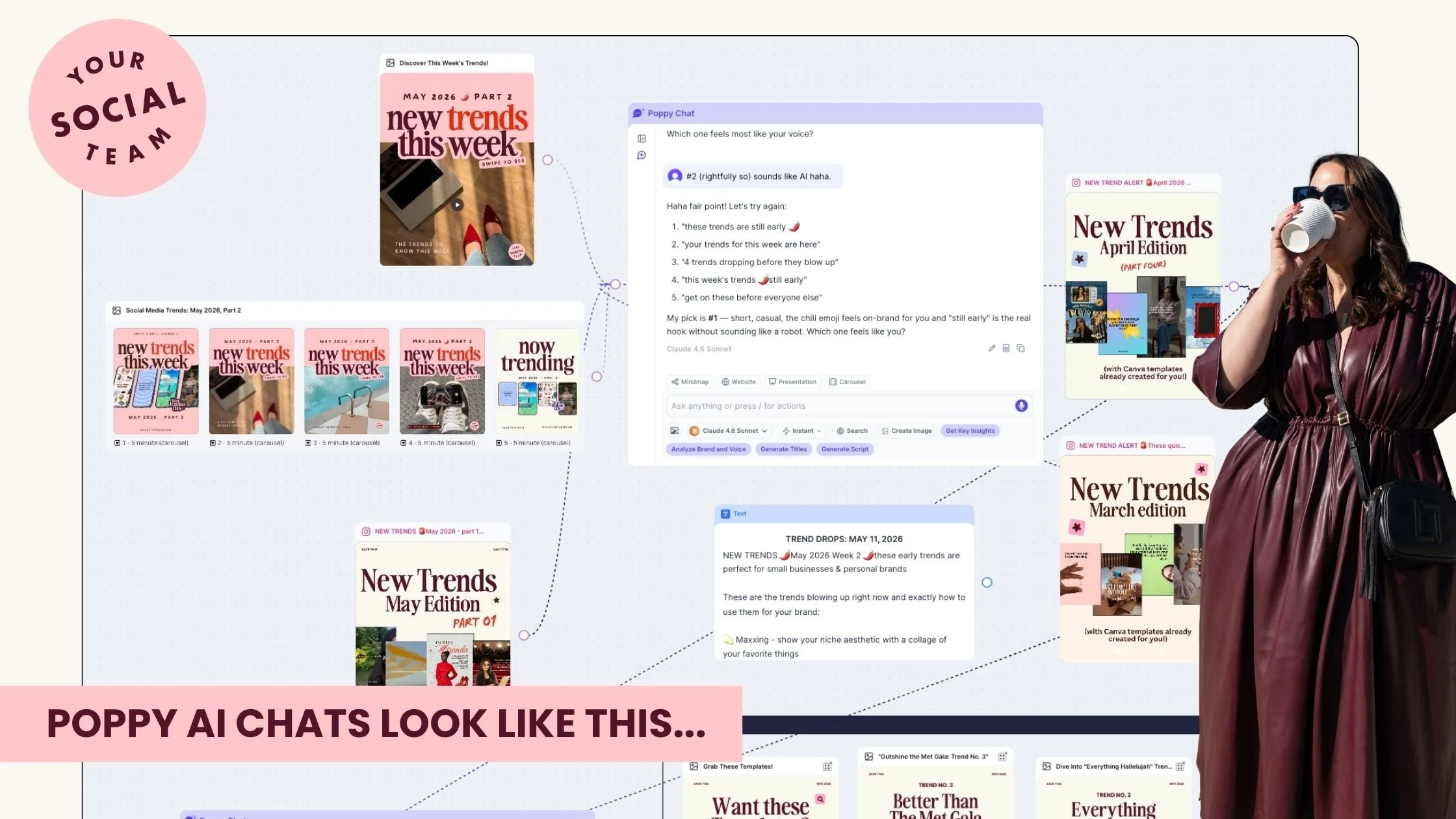
Screenshot of the Poppy AI board that I used to create a carousel that has been shared 227 times dnd saved 551, and is still going up!
It’s like a digital detective board for your ideas, content strategy, launches, and creative chaos, and this highly visual learned, type B creative thanks them very much. 😅
That is the real reason why you end up with better results, in this case content that performs better.
Instead of trying to explain my vision in one giant AI prompt and hoping for the best, or saving inspo in my phone screenshots folder, I can visually map out the full context of a carousel inside Poppy AI.
And then easily find and refer to older chats by connecting them to the new one.
“What Should I Share with Poppy AI to get the content that performs and brings you new followers?”
When creating a Carousel with Poppy’s help for example, I attach some of the following:
👉 Older high-performing carousel examples
👉 Trend inspiration
👉 Template screenshots
👉 Text from my website or other internal documents from my business
👉 Draft slides
👉 Hooks and title ideas
👉 The final carousel for tweaks and typo checks
So instead of generic AI content, the output actually feels strategic, really appealing to my audience, and onbrand.
And as a visual thinker, this workflow has been a GAME changer.
Honestly, it feels less like using AI and more like having a creative workspace that helps organize my brain. It’s as if all the inspo I saved on Instagram and screenshots I took and never looked back were actually put into use.
But what Exactly Is Poppy AI?
Poppy AI is an AI-powered visual workspace designed for creative entrepreneurs, marketers, content creators, and visual thinkers.
Instead of staring at a blank chatbot and trying to cram your entire creative vision into one long text-only prompt, Poppy AI lets you visually connect ideas, references, inspiration, content drafts, and AI conversations together in one place.
You can:
👉 Upload screenshots and inspiration
👉 Attach previous content examples
👉 Organize ideas visually
👉 Brainstorm hooks and captions
👉 Build launch messaging
👉 Create content workflows
👉 Map out carousel ideas
👉 Generate copy directly inside the platform
And honestly? It feels WAY more natural than the traditional “type into AI and hope for the best” experience.
Especially if your brain does not naturally think in neat folders and spreadsheets 😅
Why Poppy AI Feels Different From Other AI Tools
Most AI tools feel transactional.
You ask a question.
It gives an answer.
Done.
Poppy AI feels collaborative.
It supports the messy middle of creativity.
The brainstorming.
The visual mapping.
The “wait… this connects to that” moments.
And I think that is why it works so well for creators.
Because content creation is rarely linear.
At least not for me.
My brain jumps from:
👉 Carousel hooks
👉 Email ideas
👉 Trend references
👉 Offer messaging
👉 Launch plans
👉 Pinterest inspiration
👉 Customer pain points
…all within like 15 minutes 😅
Poppy AI actually supports that style of thinking instead of fighting against it.
Another thing I genuinely love about Poppy AI is that it already has Claude and ChatGPT built directly into the platform.
Which means you do not need to constantly bounce between multiple AI tools and tabs while creating content.
Everything happens inside one visual workspace.
You can brainstorm ideas, organize references, map out content, and generate copy using both Claude and ChatGPT without leaving the platform.
And honestly? That alone makes the workflow feel significantly smoother.
Because the issue most creators have is not access to AI.
It is trying to manage:
👉 ChatGPT tabs
👉 Claude tabs
👉 Google Docs
👉 Notes app chaos
👉 Screenshot folders
👉 Pinterest inspiration
👉 Draft captions
👉 Half-finished content ideas
…all at the same time 😅
Poppy AI pulls the creative process into one place, which makes content creation feel significantly less overwhelming.
Especially for visual entrepreneurs who do not naturally think in rigid systems.
How I Actually Use Poppy AI to create viral instagram Carousels
This is where it gets really good.
When I create Instagram carousels now, I do not start from scratch.
Inside Poppy AI, I attach:
👉 Older versions of similar carousels I’ve made
👉 Descriptions of our templates and offers
👉 Previous high-performing content
👉 Trend references
👉 Messaging notes
👉 Draft carousel slides
👉 Hooks and title ideas
👉 The final carousel for typo checks and tweaks
So instead of AI giving me generic content with zero context, it understands the full creative direction.
And honestly? The output is SO much better because of it.
The hooks feel sharper.
The messaging feels clearer.
The content feels more cohesive.
The carousels feel more engaging.
And most importantly, the content actually sounds like ME.
I think that is a huge reason my reach and engagement increased too.
Because when your strategy, visuals, references, messaging, and inspiration are all connected together in one place, the content itself becomes stronger.
Why This Matters for Content Creators
A lot of creators are not running out of ideas.
They are drowning in disconnected ideas.
There is a difference.
Poppy AI helps bridge the gap between inspiration and execution.
Because honestly, sometimes the hardest part of content creation is not writing.
It is organizing your thoughts enough to know what you even want to say.
And when you can visually connect ideas, audience pain points, trends, references, hooks, and messaging together, content creation becomes so much easier.
Especially for visual thinkers.
Can Poppy AI Help With Marketing Too?
Absoutely!
Especially if you struggle with:
👉 Content overwhelm
👉 Messaging clarity
👉 Organizing launches
👉 Planning campaigns
👉 Managing creative projects
👉 Turning scattered thoughts into strategy
Marketing is really just connecting dots.
And Poppy AI makes dot-connecting feel easier.
I also think this tool is especially helpful for people who hate rigid productivity systems.
If traditional project management platforms make your brain instantly want to leave the chat… same 😅
This feels way more creative and flexible.
What I Think Most Business Owners Are Missing About AI
A lot of people are asking:
“How can I make more content faster?”
But honestly, I think the better question is:
“How can I make creating content feel easier?”
Because sustainable marketing is not about pumping out endless content.
It is about building systems that help you stay consistent without burning out.
Pairing Poppy AI with ready-made carousel templates has been SUCH a good workflow for me.
Because Poppy AI helps me organize ideas, brainstorm hooks, improve messaging, and map out strategy…
Then I can quickly drop everything into templates and actually execute the content fast.
If creating carousel content consistently feels overwhelming, this is exactly why we created Your Template Club.
Because sometimes the hardest part is not designing the carousel.
It is figuring out:
👉 What to post
👉 What hooks to use
👉 How to structure the slides
👉 How to make the content feel engaging
👉 How to stay consistent without burning out
Poppy AI and Your Template Club: A Match Made in Instagram Engagement Heaven
Inside our social content membership, Your Template Club, we give you ready-to-customize Canva carousel templates with fill-in-the-blank content designed to help you create faster and post more consistently.
And pairing these templates with Poppy AI is the perfect workflow.
To help you get started, we’re giving away 10 free carousel templates you can customize for your own brand 👇
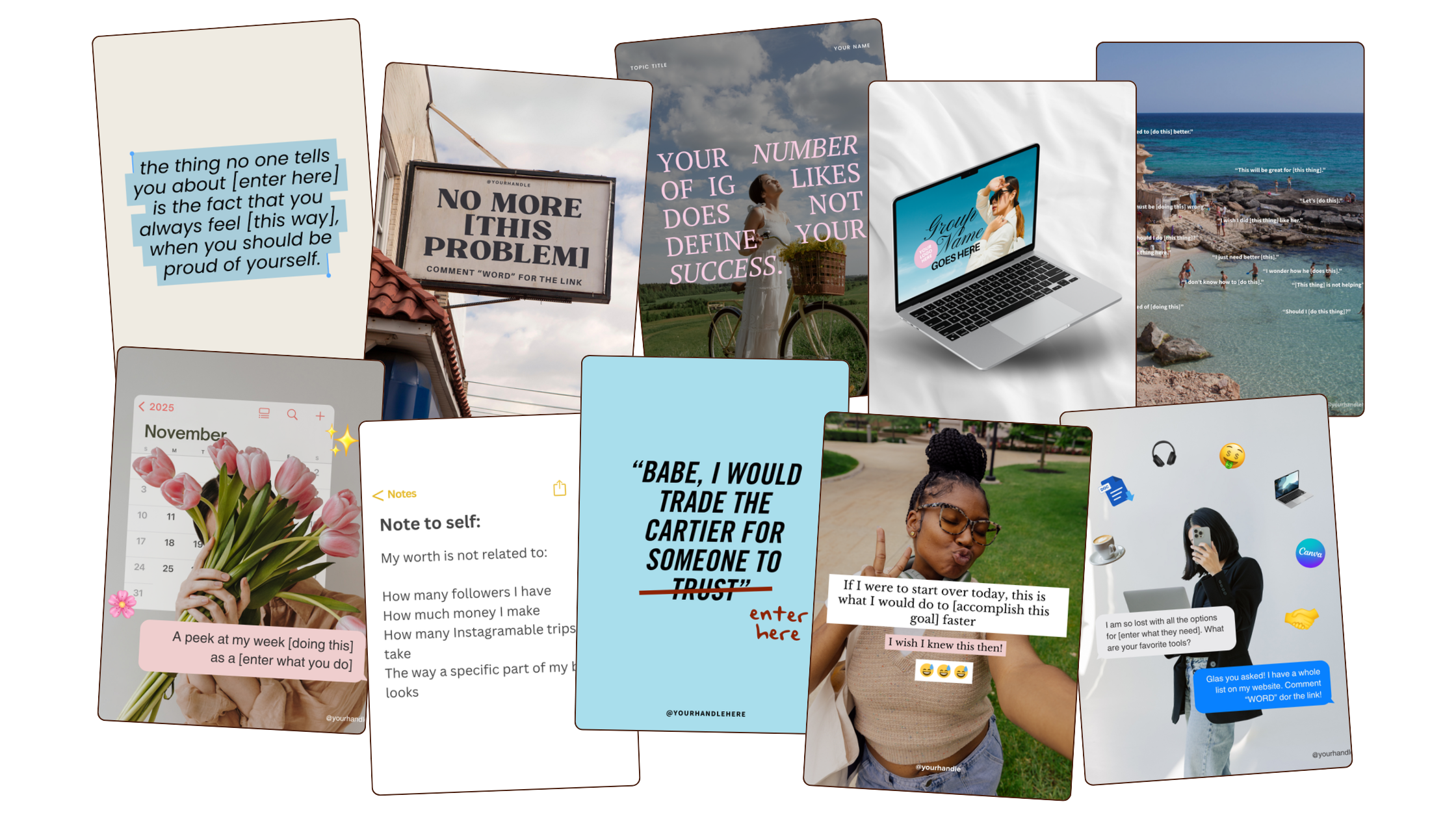
Get these free feed post templates to try out Your Template Club!
By submitting this form, you will be added to Your Social Team’s email list. We respect your privacy!
Should You Try Poppy AI?
If you are a visual thinker, creative entrepreneur, content creator, marketer, coach, or someone constantly juggling ideas in your brain…
Honestly? I think this tool is absolutely worth exploring.
Especially if traditional AI tools have felt too robotic, too rigid, or too disconnected from how your creative process actually works.
Poppy AI feels collaborative instead of transactional.
And for creative entrepreneurs, that difference is huge.
Try Poppy AI here:
[INSERT AFFILIATE LINK]
Final Thoughts on Poppy AI
Honestly? I think Poppy AI is one of the most interesting AI tools I’ve tried in a long time.
Not because it replaces creativity.
But because it supports creative thinking in a way that actually feels natural.
It helps organize the chaos without killing the ideas.
And for creators, marketers, coaches, and business owners juggling a million thoughts at once, that is incredibly valuable.
I do not think AI should replace your voice.
But if a tool helps you think clearer, create stronger content, and feel less overwhelmed while running your business?
That is a win.
TL,DR
👉 Poppy AI helped more than double my carousel reach and engagement
👉 It is a visual AI workspace designed for creative entrepreneurs and visual thinkers
👉 Claude and ChatGPT are already built into the platform
👉 You can attach references, inspiration, drafts, and previous content for better AI outputs
👉 Great for carousel creation, launches, messaging, and content strategy
👉 Pairing Poppy AI with carousel templates makes content creation significantly easier
👉 Grab 10 free carousel templates below to get started
Disclaimer: This post contains affiliate links, which means I may earn a small commission if you decide to purchase through my link at no extra cost to you. I only share tools I genuinely enjoy, use, or believe could genuinely help creative business owners. 🔥
How to Get 100 New Email Subscribers
Want to diversify your marketing and be serious about emails? Grab this free guide below!
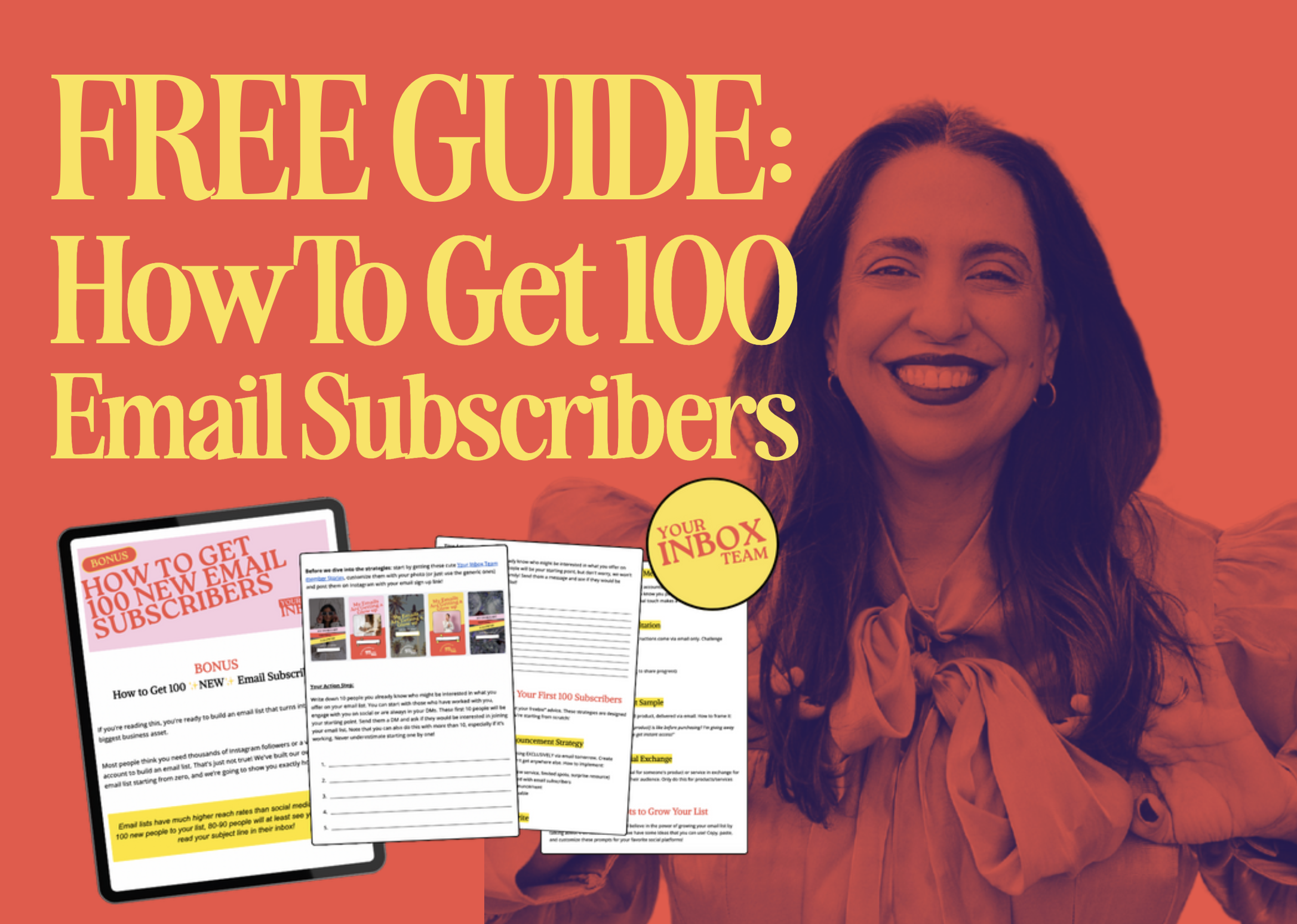
By submitting this form, you will be added to Your Social Team’s email list. We respect your privacy!
Ready to stop ghosting your list?
That is what email marketing should feel like.
Low lift. Consistent. Completely doable, even on a busy week.
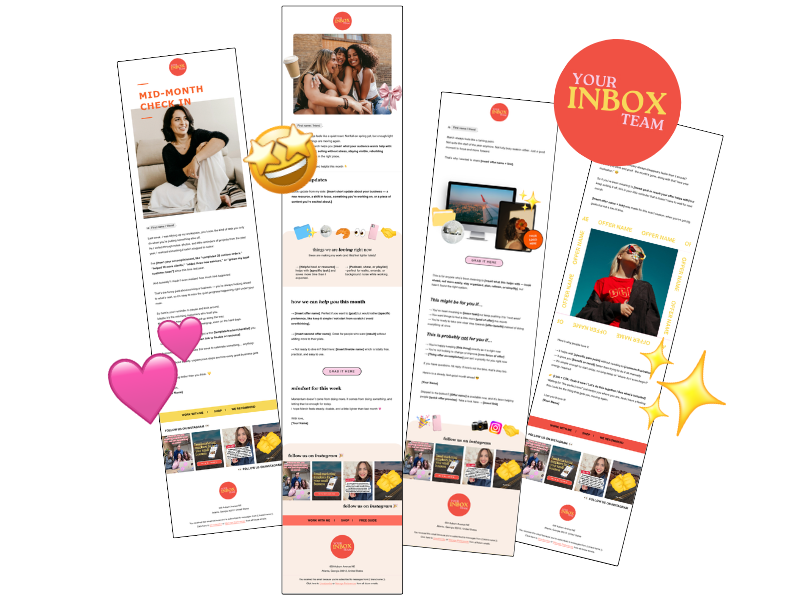
At Your Inbox Team, we deliver done-for-you weekly email newsletter templates every single month. That means on the first of every month, you get four email templates ready to go in Google Doc, Canva, and Flodesk formats. You customize the copy, swap in your photos, and send.

Photo: KVC Photography
About Manu Muraro
Manu Muraro is the founder of Your Social Team, a content marketing brand helping small business owners grow through strategic email marketing and Instagram content.
She’s the creator of Your Template Club, one of the first Canva template subscriptions designed for Instagram, and the founder of Your Inbox Team, a weekly email marketing membership that helps entrepreneurs send consistent, high-converting emails in under 15 minutes.
Manu is also the creator of The Reelies Awards, the first award show celebrating Small Business Owners and Creators’ creativity and originality in Instagram Reels.
A former creative strategist at Cartoon Network, Manu brings award-winning experience to everything she creates — from viral Reels to done-for-you content that saves time and drives results.
👉 Follow Manu at Your Social Team on Instagram