
Love Script Fonts But They're Not Working on Instagram? Try These Canva Alternatives Instead
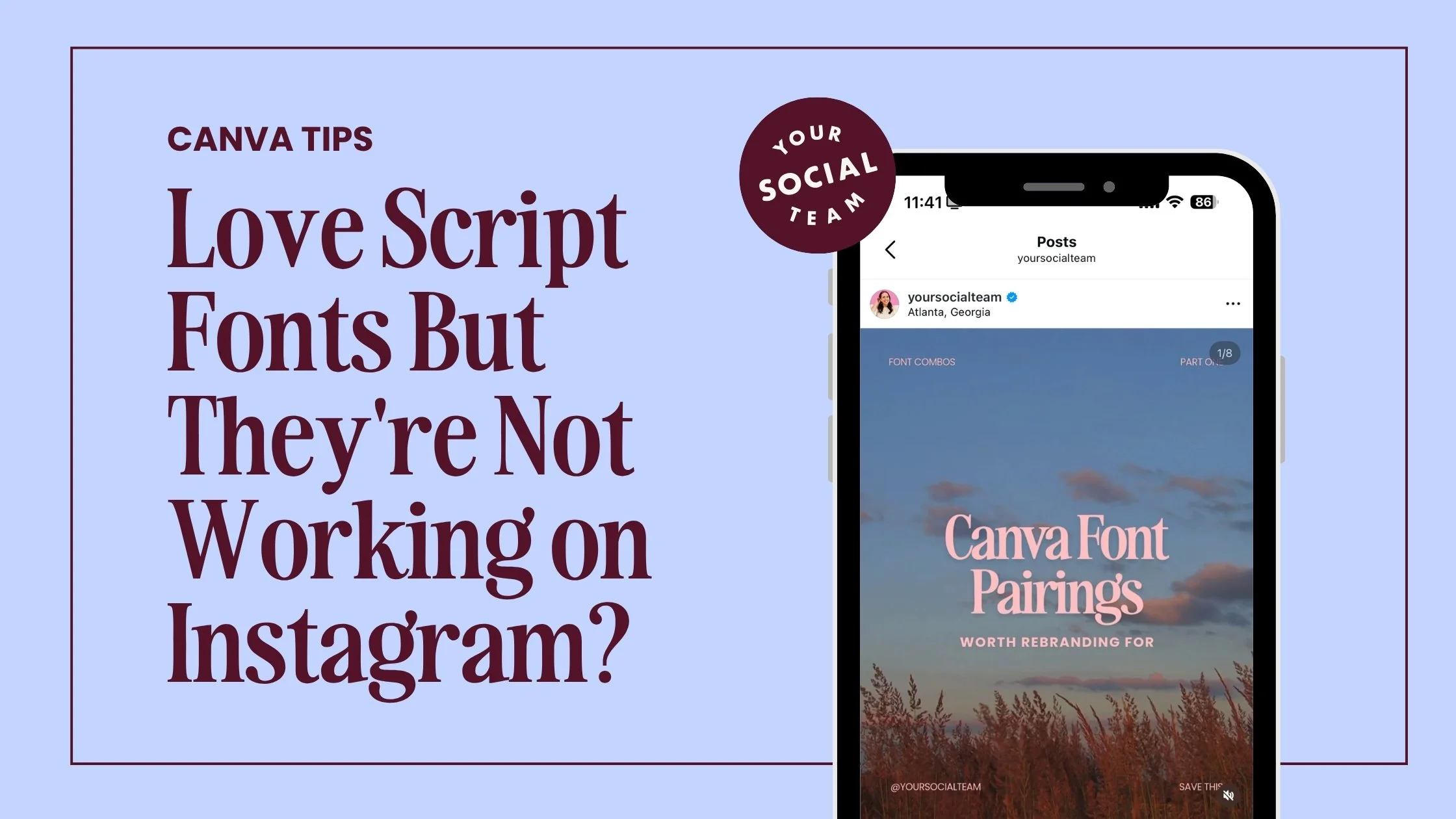
You found a font that felt perfect for your brand. Soft, handwritten, a little elegant. You put it on your Instagram post and it looked gorgeous in the design view.
Then you posted it and realized no one could actually read it.
If that has happened to you, you are not alone and you did not pick a bad font. Script fonts are genuinely beautiful. They just were not designed for a 5-inch screen that someone is scrolling through at full speed on their lunch break.
Here is what is actually going on and what to use instead so you can keep the vibe you love without sacrificing the readability your content needs to perform.
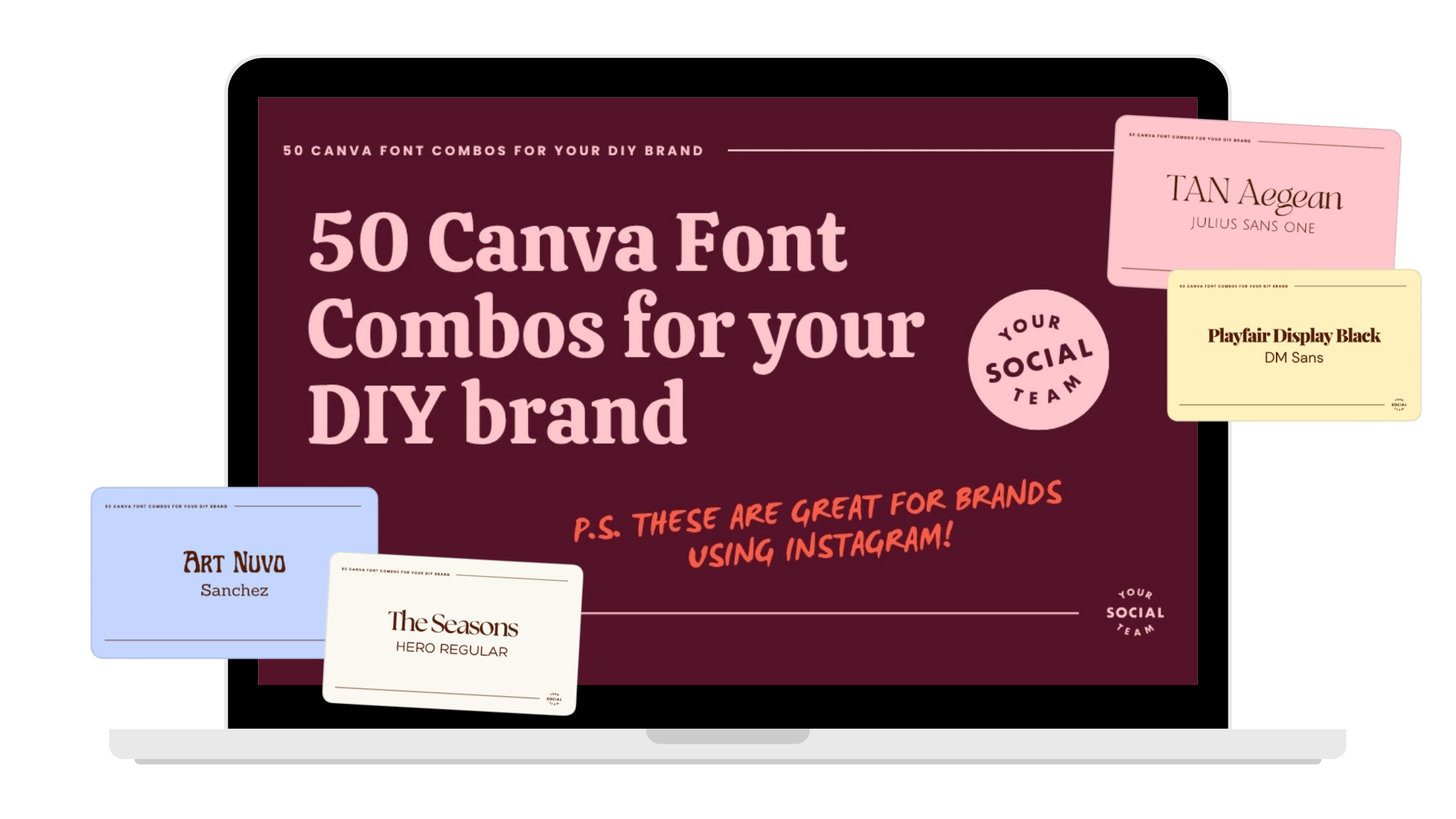
Want to see our favorite Canva fonts?
After creating thousands of Canva templates, designing thousands of Instagram posts, and now as we start to help small business owners create a brand they love, we have quite the collection of Canva fonts for you to dive into!
Why Script Fonts Struggle on Instagram
Script fonts are built to mimic handwriting. The letters connect, the shapes are decorative, and the spacing can be a little inconsistent from character to character. In a logo or a large-scale print design, that looks stunning. On a small phone screen in an Instagram feed? It becomes really hard to parse quickly.
And quick is the key word here. Most people are scrolling fast. If your text is not immediately readable in about two seconds, they keep moving. The prettiest font in the world cannot convert if someone cannot read it before they swipe past.
This does not mean script fonts are off the table completely. It just means they need to be used differently.
Where Script Fonts Actually Work
Think of script fonts as a supporting character rather than the lead.
They work beautifully in logos, signatures, and as small accents inside a design. A single word in a script font paired with a clean, bold headline can feel intentional and elevated. An entire hook or caption written in a script font is a readability problem waiting to happen.
Use script for one or two words maximum. Let your other fonts carry the actual message.
The Script Fonts in Canva That Are Worth Keeping
If you love the look of script and want to hold onto it, these options inside Canva are more readable than most because the letters are more spaced out, the shapes are simpler, and they hold up better at smaller sizes.
Satisfy, Pacifico, Yellowtail, and Allura are all solid choices for short phrases, single words, or light accents inside a design. Just not for full sentences or anything that needs to be read quickly in the middle of a scroll.
The Fonts That Give You the Script Feel Without the Readability Problem
There are fonts that are not technically script but give you the same soft, feminine, or handwritten energy, while being dramatically easier to read on a phone screen. These are the ones worth building your brand around.
If you love that light, effortless feel.
Poppins, Raleway, and Quicksand are all soft, modern, and approachable without being hard to read. They feel friendly and clean at the same time, which is a combination that works really well for Instagram content aimed at small business owners and entrepreneurs.
If you want something that feels elevated and a little romantic.
Playfair Display, Cormorant, and Libre Baskerville are the underrated answer to what most people are chasing with script fonts. They have that elevated, editorial quality, slightly feminine without being delicate, and they are much easier to read at any size. These serif options give you the polished, intentional feel of a script font with none of the readability tradeoffs.
If you want something that still feels a little handwritten but stays clean.
Nunito and Cabin both have a softness to them that reads as friendly and approachable without ever getting messy. They are not handwritten fonts exactly, but they carry some of that warmth without the legibility issues.
How to Use Script Fonts Without Wrecking Your Readability
If you are not ready to fully let go of script and want to keep it in your designs, here is how to make it work without creating chaos.
Use script for one or two words at most, not full phrases. Pair it with a simple, clean body font like Open Sans or Montserrat so the two balance each other out. Keep your contrast high, dark text on a light background or the reverse, because low contrast makes script even harder to read. And always, always check how it looks on your phone before you post. What looks beautiful on a laptop screen can fall apart entirely at phone size.
The goal is for the script element to feel intentional, like a design choice, not like the default.
How to Find Better Fonts Inside Canva
If you have ever typed "cute font" into the Canva search bar and ended up more confused than when you started, here are better search terms to try.
"Script," "handwritten," "signature," and "modern script" will surface the cleaner, more legible script options.
"Calligraphy," "elegant serif," and "clean sans serif" will pull up the alternatives that give you a similar vibe with better performance.
Playing with these search terms instead of scrolling through the full font library will save you a lot of time and a lot of testing.
You Do Not Have to Choose Between Pretty and Functional
This is the thing that trips up a lot of DIY brands. There is this feeling like you either get a brand you love the look of or a brand that actually performs on Instagram, and you cannot have both. That is not true.
You absolutely can have a brand that feels like you and converts. But on Instagram specifically, clarity has to come first. If someone cannot read your content, they cannot engage with it. And if they cannot engage with it, your beautifully designed post is not doing the job you need it to do.
The solution is not to abandon your aesthetic. It is to adapt it to how people actually consume content on a phone, scrolling fast, deciding in seconds whether something is worth their attention. Once you make that shift, your brand starts working with you instead of against you.
need help with your DIY brand?
Get a complete brand identity designed to help you stand out on social, show up consistently and grow your business with confidence. Designed by the team behind Your Template Club and Your Inbox Team, trusted by thousands of small business owners.

Photo: KVC Photography
About Manu Muraro
Manu Muraro is the founder of Your Social Team, a content marketing brand helping small business owners grow through strategic email marketing and Instagram content.
She’s the creator of Your Template Club, one of the first Canva template subscriptions designed for Instagram, and the founder of Your Inbox Team, a weekly email marketing membership that helps entrepreneurs send consistent, high-converting emails in under 15 minutes.
Manu is also the creator of The Reelies Awards, the first award show celebrating Small Business Owners and Creators’ creativity and originality in Instagram Reels.
A former creative strategist at Cartoon Network, Manu brings award-winning experience to everything she creates — from viral Reels to done-for-you content that saves time and drives results.
👉 Follow Manu at Your Social Team on Instagram